



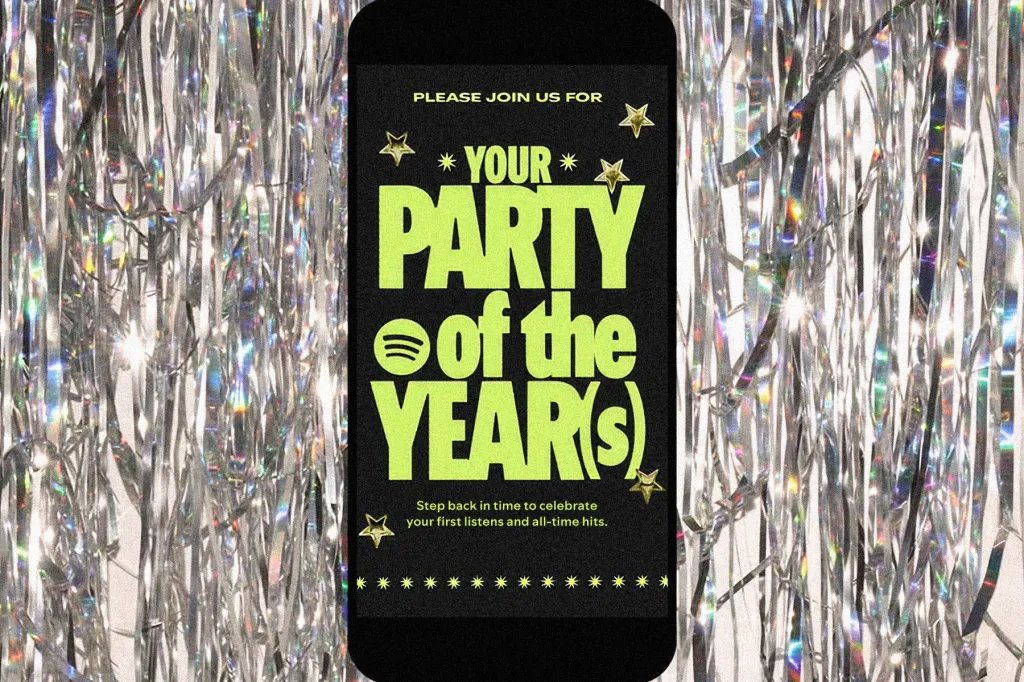

Spotify is unwrapping something way bigger than Wrapped. For years, users have been able to see their top-streamed songs and artists of the past 12 months with the annual year-end feature, and now — in honor of its 20th anniversary — the music streamer is offering a similar experience that encompasses the entire time a person has been on the platform.
As announced Tuesday (May 12), account holders (both premium and free) can now access Spotify 20: Your Party of the Year(s) on the app. Once opened, it’ll remind you of the exact date you joined the streaming service, as well as the total number of individual songs you’ve listened to since that day.
The experience will also showcase the first song you ever listened to on Spotify and your all-time most streamed artist on the service. Plus, it’ll curate your very own “All-Time Top Songs Playlist,” a collection of the 120 songs you’ve listened to most since creating your account.
Spotify first shared details about the experience during a press preview on Monday (May 11). “We always wanted this to feel really rooted in our users,” said Angela Leffell, the company’s global brand and program lead. “We’re really here because of them … [there’s] no better gift than a surprise gift.”
Emphasizing the difference between the Party of the Year(s) feature and Wrapped, product manager Axel Ulfson said that the latter “reflects a single year in culture and listening,” while the new experience showcases “the full listener journey from the moment they joined Spotify.”
So, how can you access Spotify 20: Your Party of the Year(s)? There are a few different routes.
On the Spotify app, you can type either “Spotify 20” or “Party of the Year(s)” into the search bar, after which the feature will automatically pop up on your screen. (Just make sure you have at least version 9.1.46 of the mobile app.) Alternatively, you can visit spotify.com/20 on your mobile device and be directed to the experience that way.
Once you’ve toggled through the installation’s features, shareable cards showcasing your personal all-time stats will populate, making it easy for posting your results on social media or sending them to friends. See examples below:
Spotify
Spotify